






Yes. Each gets its own board, stages, and required fields.
Service
Manage sales and servicein the same seamless platform
Every warranty call, inspection, and install in one board, from intake to closed. Techs get the full case on their phone, and the history stays with the job address.
- Your stages, your forms: warranty, install, and paid service
- Photos and notes from the field, attached to the case
- Full service history for every address
- The rep who sold the job sees the service call
Warranty board
Tech review
Leaking casement window
1418 Alder Ct
ContractorRidgeline Builders
HomeownerKaren Ott
ProductMarvin casement
Manufacturer case no.MV-58213
Photos from intake
Lower sash corner
Interior sill
Exterior trim
Luis Morales
Warranty tech
One record from first quote to last warranty call
When a builder calls about a job, open a service request right from that sales project. Service cases sit on the same job address as the quotes, orders, and deliveries your ERP sends to SalesJack, so sales and service track the project's status and its service needs from one place.
Plan My RolloutJob address
1418 Alder Ct
Ridgeline Builders · Homeowner Karen Ott
JARep is following
Windows and doors quote
Jess Alvarez, outside sales
Order placed
Ridgeline Builders
Delivered to site
Windows and patio door
Warranty call: leaking casement window
Assigned to Luis Morales
See every open case and where it's stuck
Build the pipeline your team already runs: new, tech review, inspection scheduled, proposal sent, parts ordered, install scheduled, on hold, closed. Keep warranty, install, and paid service on separate boards, with separate rules for each.
Service boards
WarrantyInstallPaid service
New
88 Birch Ln
Andersen patio door
Tech review
702 Cedar Way
Marvin double hung
LM
Inspection scheduled
15 Orchard Rd
Entry door
LM
Proposal sent
330 Pine St
Skylight
Parts ordered
41 Elm Ct
Andersen sash
LM
Install scheduled
9 Willow Dr
Casement sash
RC
On hold
1203 Maple Ave
Bay window
Closed
56 Aspen Pl
Slider screen
Rules that hold the process.
A case can't move to Inspection Scheduled without an appointment. Paid calls require an inspection fee; warranty calls don't.
Hand-offs that happen on their own.
Moving a case to Tech Review assigns the task to your warranty tech.
The whole case on the tech's phone
Techs open the case in the SalesJack app and see the homeowner, the product, the notes, and the photos from intake. On site, they log the visit, add photos, and record what was done or what parts are needed. No printed calendar invites, no photos sitting on someone's phone. The office sees the update when the tech saves it.
Plan My Rollout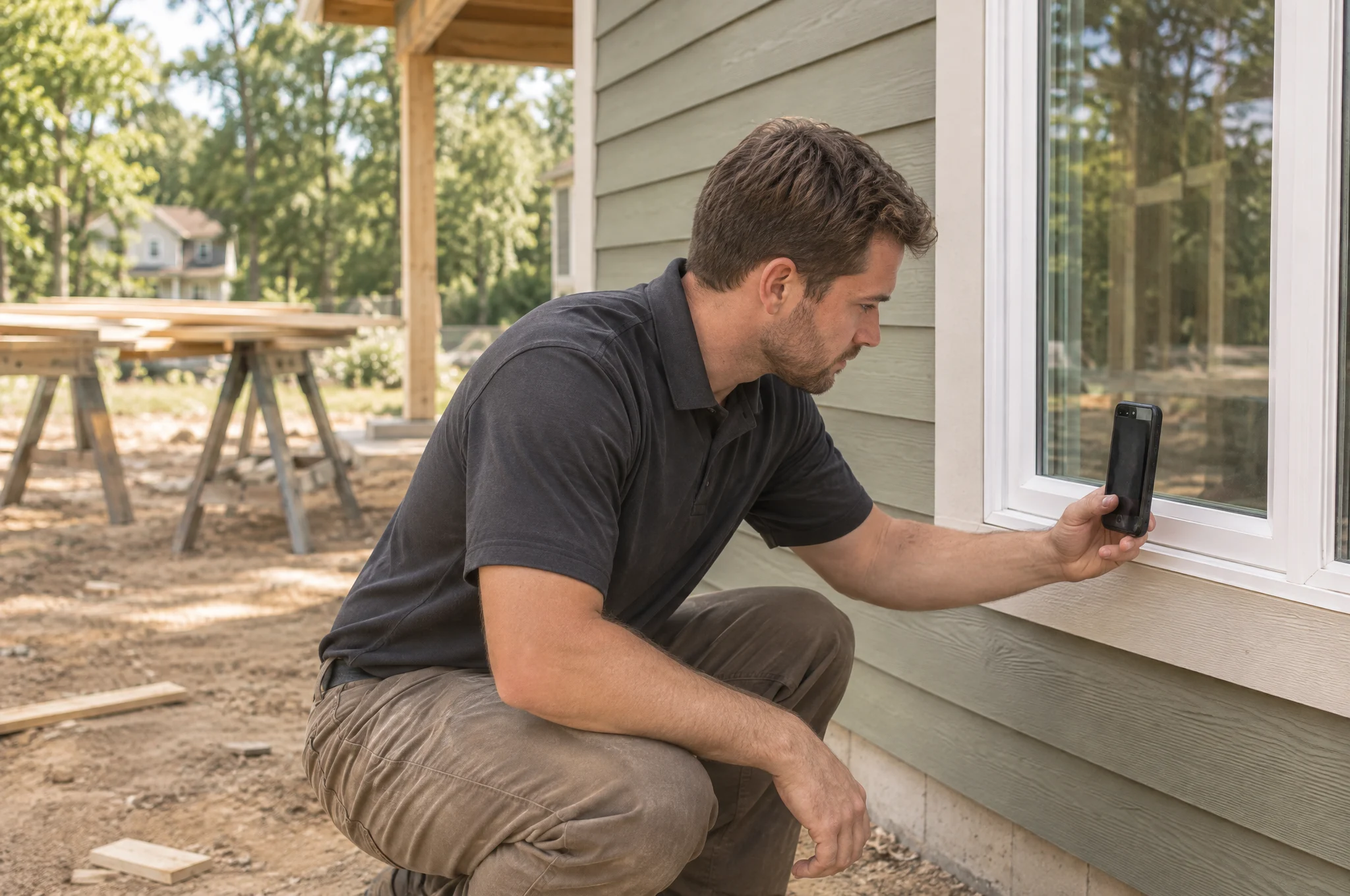
Site visit · 1418 Alder Ct
Sash seal failed at the lower corner. Frame and flashing look good.
Photos added
Synced calendars for seamless scheduling
Tech and crew calendars stay in sync, so dispatchers can see who's open and book inspections and installs without the back-and-forth. Or send the homeowner a booking link and let them pick the time.
Dispatch
This week
DayWeekMonth
Branch: North
Mon
Tue
Wed
Thu
Fri
8 AM
9 AM
10 AM
11 AM
12 PM
1 PM
2 PM
3 PM
Install
Hartwell Residence
8 to 12
Install
41 Elm Ct
1 to 4
Install, day 2
Hartwell Residence
8 to 3
Install
41 Elm Ct
8 to 2
Install
9 Willow Dr
8 to 2
Install, day 2
9 Willow Dr
8 to 12
From closed job to installed, without re-entering it
When a job with install is won, it moves straight into your install board with the address, products, and order details already attached. Installers, your own crews or subcontractors, see only the jobs assigned to them, with layouts, checklists, and photos from the office. They mark the job in route, on site, and complete from the app, so the coordinator knows where every crew is without calling.
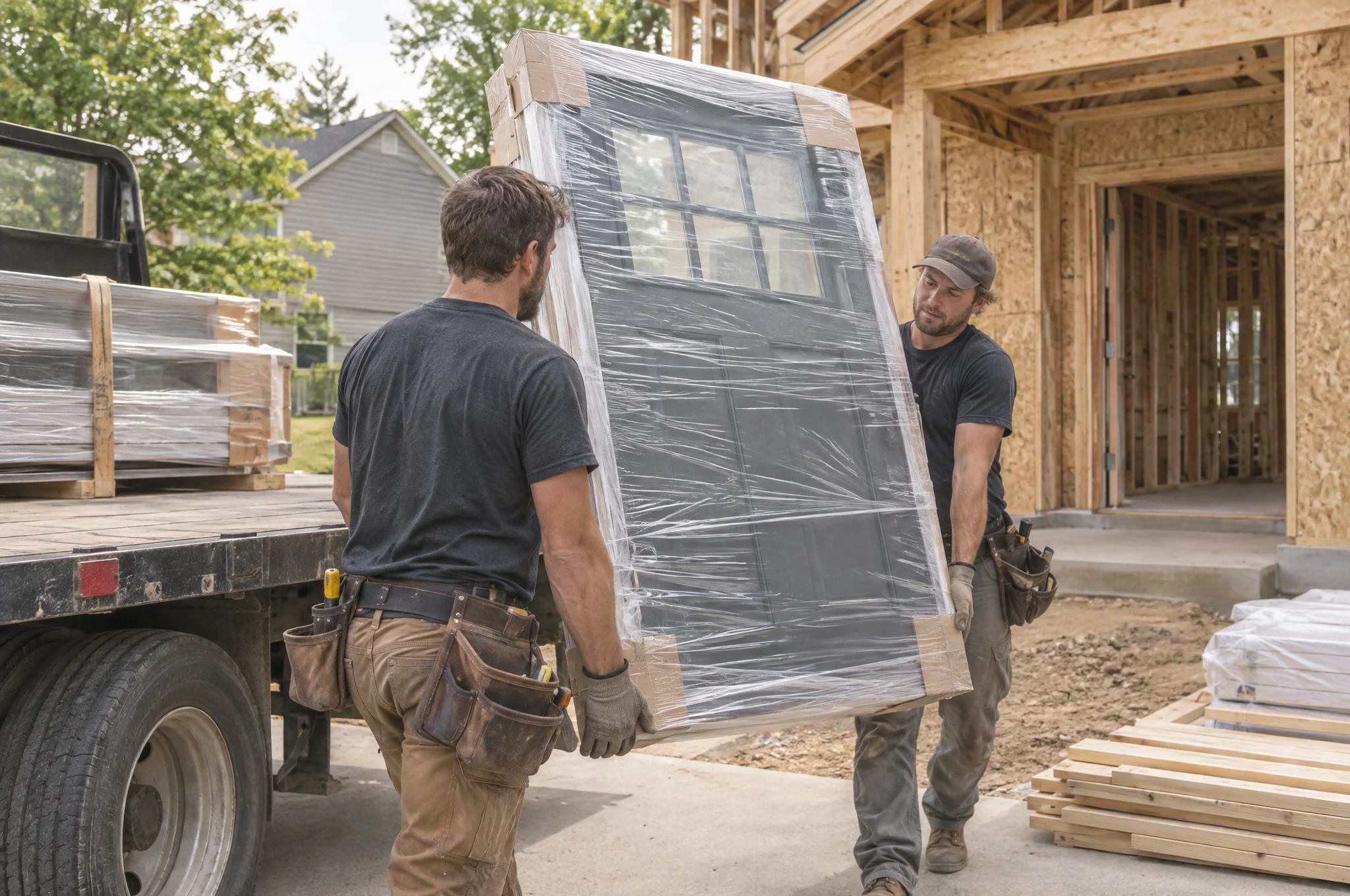
Install · Hartwell Residence
Ridge Install Co. · Entry door and windows
LayoutChecklistOffice photos
In routeComplete
Building suppliers grow stronger with SalesJack
View All Case StudiesService and install FAQs
ContactNo. Installers can get light logins that show only their assigned jobs. We'll scope the right setup with you in a demo.
Yes. We import historical cases from your ERP or your current service tool, so past warranty calls stay attached to each address.
You can record the manufacturer case number on every case and set stages to match each manufacturer's process.
Get warranty and install workoff the whiteboard
Every warranty call, inspection, and install in one board, from intake to closed. Techs get the full case on their phone, and the history stays with the job address.
Book a Demo