

Connects with your systems





Keep contractor quotes, counter inquiries, and pro accounts moving. SalesJack is an AI-native sales platform that gives your team daily priorities and answers from your own data, so reps can follow up and grow repeat purchases.
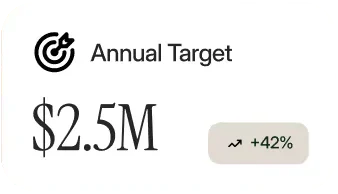
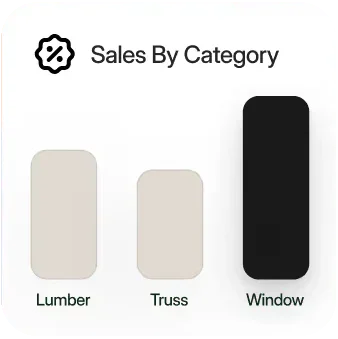
SalesJack dashboard examples. Sample data shown.





.avif)
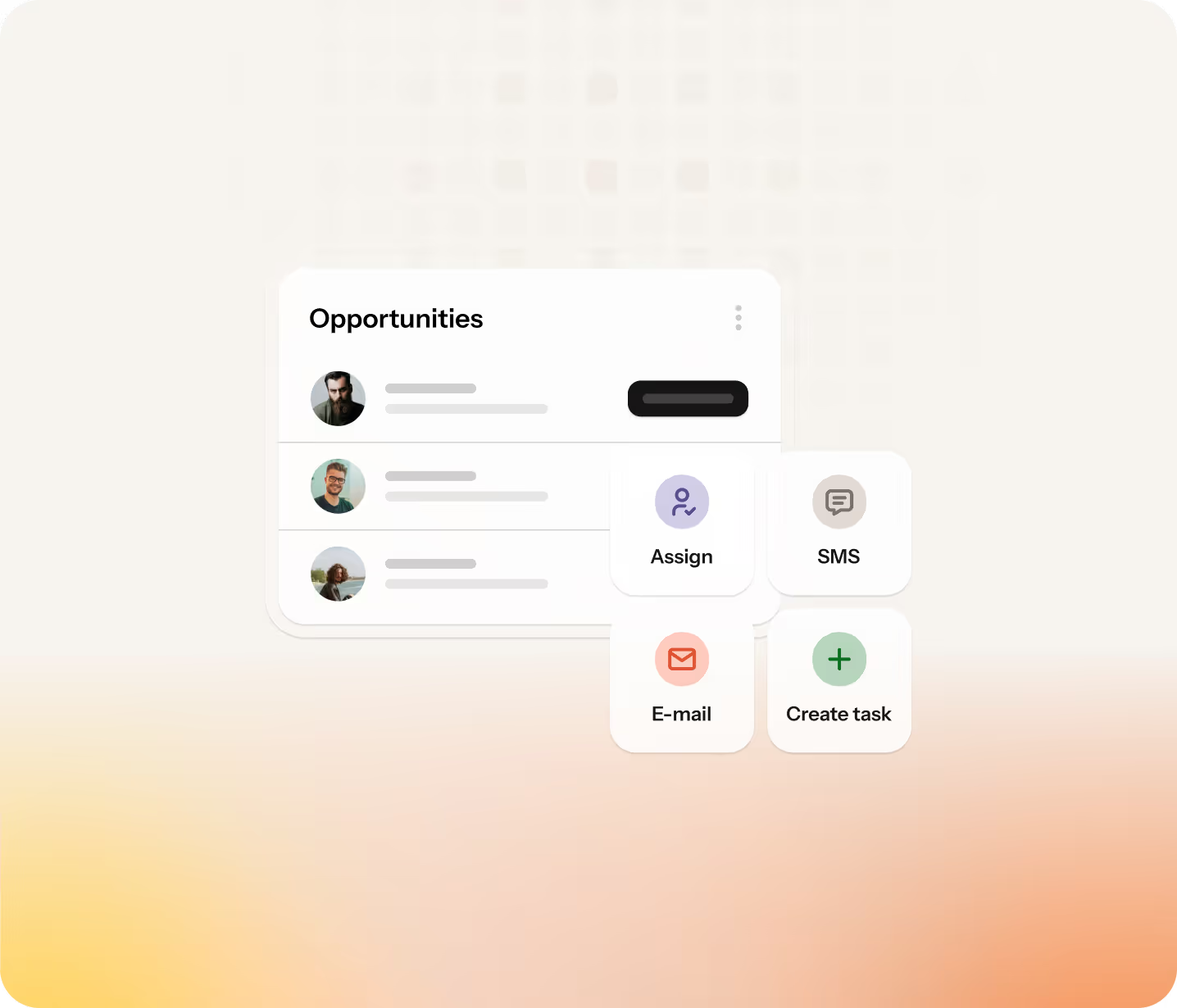
.svg) Get your top quotes, permit leads, and pro accounts served up dailyMatch permit leads to existing contractor accounts and their sales repsLog counter conversations so the next rep has the customer contextUse email, text, and tasks to follow up on open contractor quotes
Get your top quotes, permit leads, and pro accounts served up dailyMatch permit leads to existing contractor accounts and their sales repsLog counter conversations so the next rep has the customer contextUse email, text, and tasks to follow up on open contractor quotes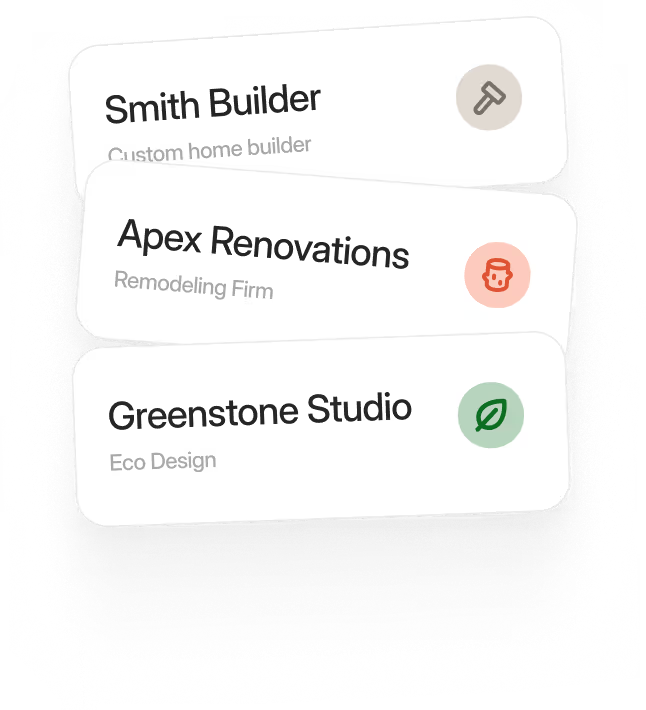
.avif)
Use category purchase history to see where a contractor account buys today. Start a relevant conversation about the fasteners, tools, paint, or plumbing supplies you also carry.
.avif)
Quotes, orders, and permits sync automatically without double entry. Reps can ask plain-English questions about their own account data, at the counter on the web or on mobile between contractor visits.
Bring connected ERP records and permit leads into the same customer view. Give your team context for the next contractor quote or category conversation.
See How It Works.avif)

.avif)

ERP, permit, and manufacturer order data combine with email and call history in one company and jobsite view. Your counter team can track quotes and estimates, with follow-up and cross-sell flags for the next contractor conversation.
See CRM in Action.avif)
Use AI chat and dashboards to ask plain-English questions about account sales and see opportunities across tools, fasteners, paint, and plumbing categories.

Build email and text lists from ERP purchase data. Use campaigns and automations to re-engage contractors or promote a relevant category.
.avif)
Permit and web leads, including embedded forms and source tracking, match to ERP accounts and the right rep. Your team qualifies each project for its product range.
.avif)
Use on-site and one-on-one training to turn the data connection into a daily account and quote-follow-up routine.

SalesJack builds data feeds with industry ERP systems, including Epicor, ECI, and DMSI. Tell us the system your store uses so we can confirm the connection and data available for your rollout.
Connected sales data gives your team customer and quote context. Category-based views help reps identify cross-sell conversations, and email, text, and tasks help them follow up between store visits.
Yes. SalesJack supports email and text campaigns using category spend history. You can send relevant cross-sell promotions or re-engage contractor accounts that have stopped ordering.
SalesJack connects to permit databases and filters leads by relevant project types and regions. It matches existing customers and addresses to their sales reps. Your team still qualifies each project for the products and accounts your store serves.
SalesJack provides on-site training, one-on-one time with reps, and training documentation. We help your counter staff and sales team establish a follow-up process alongside the data connection.
See how SalesJack helps your team follow up on contractor quotes and find the next tools, fasteners, paint, or plumbing sale.